this post was submitted on 18 Mar 2026
2 points (75.0% liked)

Typography & fonts

698 readers
4 users here now

A community to discuss and share information about typography and fonts

Sibling community:

!typography@lemmy.world

Rules of conduct:

The usual ones on Lemmy and Mastodon. In short: be kind or at least respectful, no offensive language, no harassment, no spam.

(Icon: detail from the title of Bringhurst's Elements of Typographic Style. Banner: details from pages 6 and 12, ibid.)

founded 2 years ago
MODERATORS
top 2 comments
sorted by: hot top controversial new old
[โ€“] SatyrSack@quokk.au 6 points 5 days ago (1 children)

Too vague; didn't click:

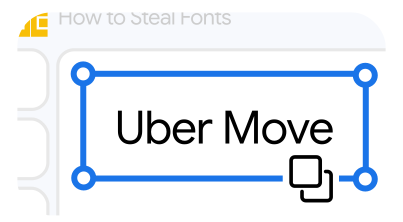
Copy and paste locked brand fonts into Google Docs, sans permission.

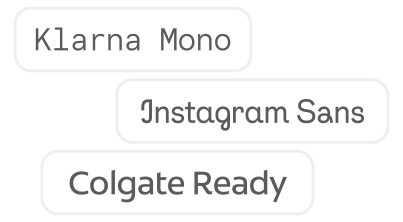
Google Workspace lets brands who pay enough embed custom corporate fonts into their docs and slides. Normally, these are locked to just those brands shelling out for custom typefaces, but there's one loophole: the ol' copy/paste. Below are a selection of brand fonts with which you can do exactly that. Enjoy. (but it doesn't work on Google mobile apps)

Step 1

Find a font you want to smuggle into a Google Doc

Step 2

Click the font to copy it to your clipboard

Step 3

Open a Google Docs or Slides document and paste within
[โ€“] Sturgist 1 points 3 days ago

Not all heroes wear capes.

Really hate when people just drop a link with nothing in the body to indicate what the thing actually is.